
Custom Entities FAQ
Common questions about the Custom Entities feature.
What is Custom Entities?
Custom Entities is a feature that lets projects define their own entity types beyond the default Subject/Encounter model. This is useful for studies that track additional types of records—for example, samples, devices, or caregivers.
How do I know if Custom Entities is enabled?
When Custom Entities is enabled, the Home header shows Custom Entities with tabs for Subjects and Encounters (and any custom entity types the project defines).
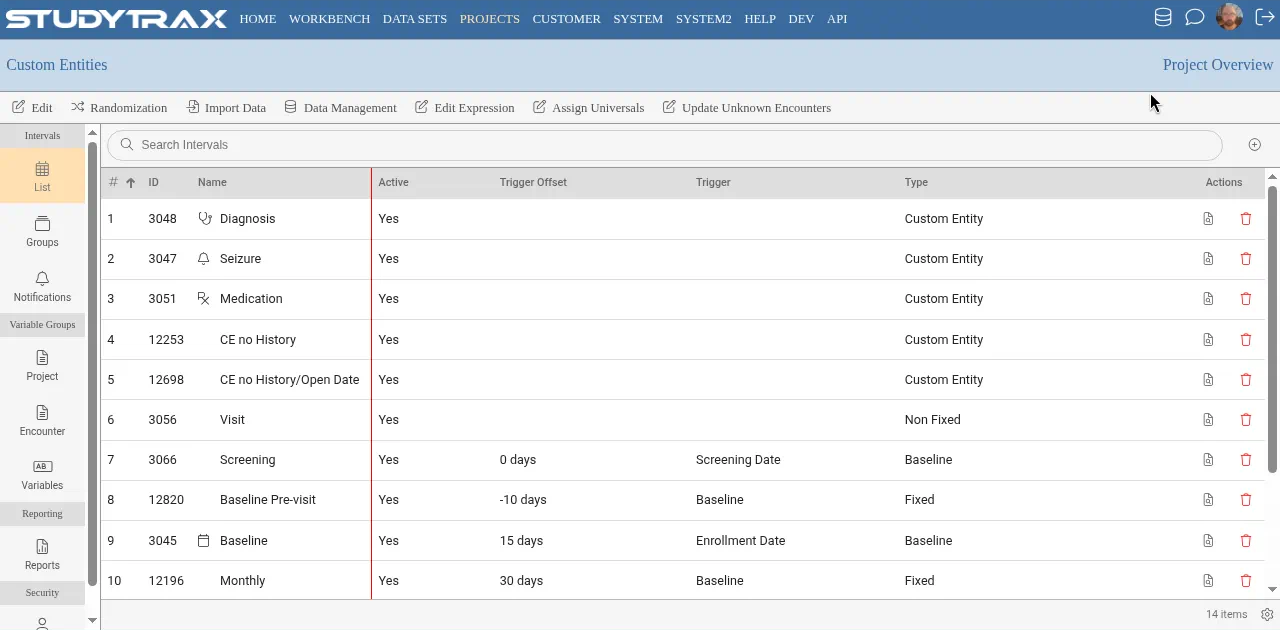
If you only see the standard subject list without the Custom Entities header, the feature is not enabled for your project.
How do I add a record when Custom Entities is on?
- Click + Add Subject in the Home toolbar.
- In the Add Subject dialog, select the Entity type from the dropdown.
- Fill in the required fields (Site, Reference ID, and any others for that entity type).
- Click Create Subject.
The dialog fields may vary depending on which entity type you select.
→ Add subject FAQ | Add subject how-to
Can I create custom entity types myself?
Creating and configuring custom entity types requires project configuration access (confirm in app). The existing how-tos do not cover custom entity configuration. If you need to define new entity types, consult your project administrator.