
Password Reset FAQ
Common questions about password reset and locked accounts.
Also called: unlock account, account lockout, MFA lockout, forgot password, reset multi-factor authentication. A locked account is resolved by resetting the password—there is no separate unlock action.
Is there a difference between a locked account and a password reset?
No. Lock and unlock are the same as a password reset. There is no separate "unlock" action. A locked account is resolved by resetting the password.
How do I reset my own password?
- Go to the login page (https://my.studytrax.com for staff, or your study portal link for participants).
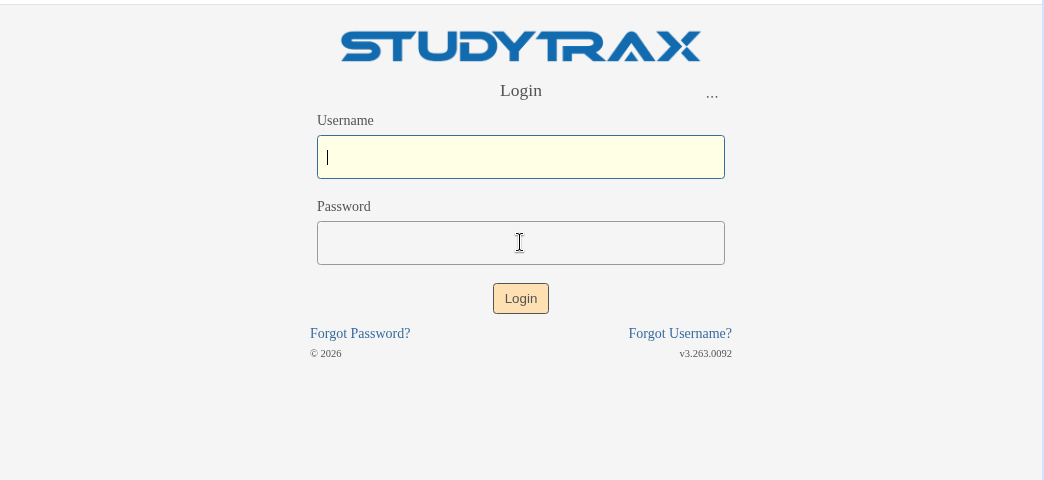
- Click Forgot Password?
- Enter your email or username.
- Check your email for a reset link.
- Set a new password from the link, then sign in.
If the reset email does not arrive, check spam.
What if the reset email never arrives?
- Check your spam or junk folder.
- Participants: Ask your study coordinator to reset your password.
- Staff: Ask a colleague with Customer access to reset it for you from user management.
How do I reset another user's password?
You need Customer access at the customer level.
- Sign in at https://my.studytrax.com.
- Open Customer from the left navigation.
- Open Users.
- Find and open the user.
- Reset their password (confirm in app).
The user receives an email to set a new password.
What happens after too many failed login attempts?
The login page may show a captcha (confirm in app). Complete the captcha and try again, or reset your password.
What if I am locked out after MFA failures?
If you cannot complete multi-factor authentication (MFA), contact a colleague with Customer access to reset your account. MFA lockout is resolved the same way as a password reset—there is no separate MFA unlock.
Is there a separate unlock step?
No. A locked account is a password reset. There is no separate unlock button or workflow.