
Run reports
View built-in reports for subject status and data completion.
Role required: Reports (for most reports); Subject Management or Subject Management read-only (for due lists)
Steps
- Sign in at https://my.studytrax.com.
- Open the project.
- Go to Reports (confirm in app).
- Select a report.
- Set filters if available, then click Submit.
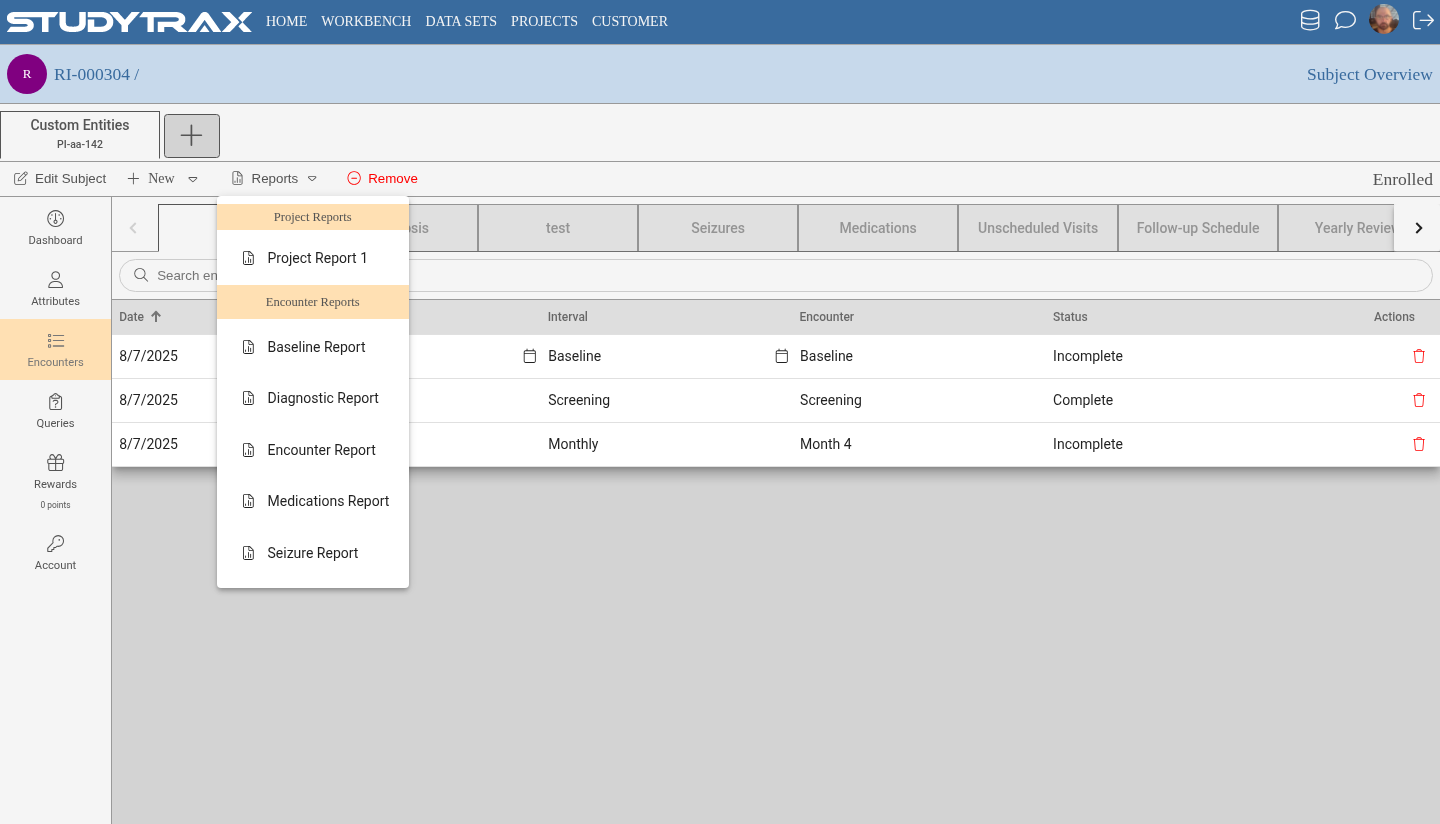
Example reports
| Report | What it shows |
|---|---|
| Subjects Due | Subjects with upcoming or overdue visits |
| Data Completion | Which forms are complete, incomplete, or missing |
| Follow-up Status | Where subjects are in the visit schedule |
This is not a complete catalog—your project may have additional reports.
Alternative: Home advanced search
Older documentation mentions an advanced search on Home that can function as a quick report. Confirm availability in the 2025 UI.
Related
- Subject report template — create custom per-subject reports
- Workbench — build and publish reports, tables, charts