
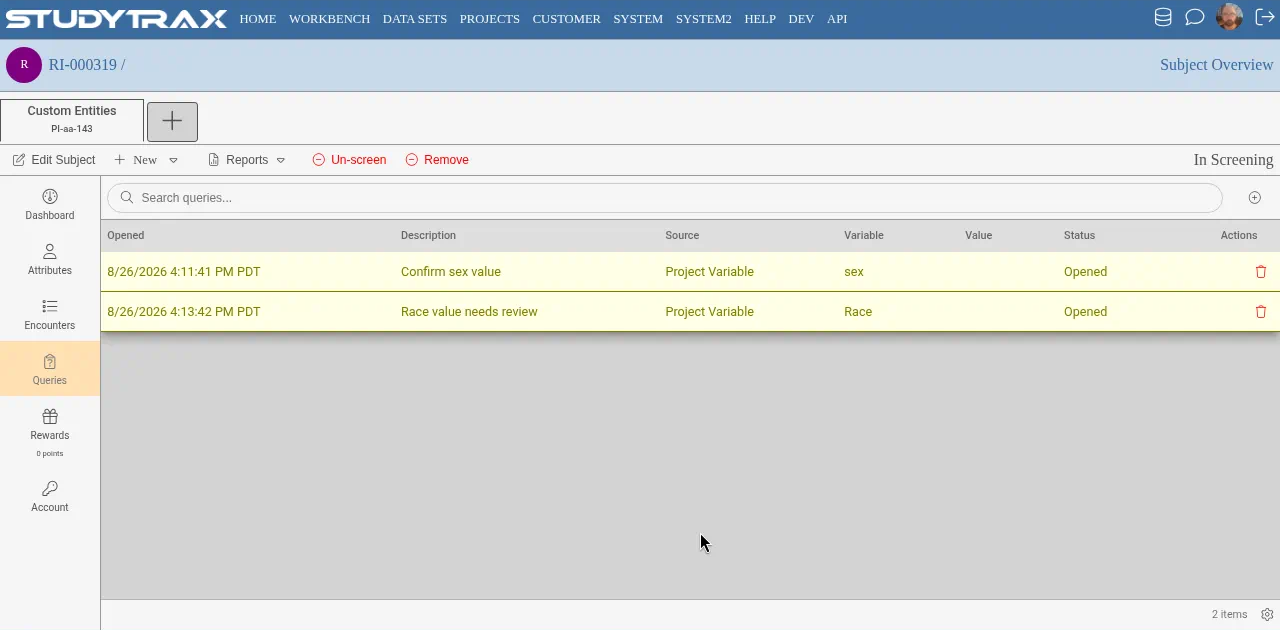
Queries
Create, respond to, and manage data queries.
Sign in at: https://my.studytrax.com
Queries move through three statuses: Unresolved (created by Query Management), Resolved (responded to by Subject Management), and Closed (finalized by Query Management).
Query roles
| Role | Create | Resolve (respond) | Close |
|---|---|---|---|
| Query Management | Yes | Yes | Yes |
| Subject Management | No | Yes | No |
All query roles are site-scoped.
Query workflow
- Unresolved — Query is created, needs response.
- Resolved — Response provided, awaiting review.
- Closed — Query is complete.
| Status | Role required to change |
|---|---|
| Create (Unresolved) | Query Management |
| Resolve | Subject Management |
| Close | Query Management |
Notifications
Configure query notifications at Project Overview → Notifications.
| Configuration | Notes |
|---|---|
| Two notifications typical | One for project variables, one for encounter variables |
| Site-scoped | Notifications go to recipients configured for that site |
| Deleted query | Should not trigger an email |
Query tags
Tags can include non-PHI identifiers:
| Allowed | Not allowed |
|---|---|
| Reference ID | Variable values (unless that value triggered the query) |
| Project ID | PHI fields |
| Encounter Date |
One email per query: Multiple queries cannot share a single email notification.
Importing queries
Query import creates new queries only.
| Import scenario | Result |
|---|---|
| Open query in file, open in system | Updates existing |
| Resolved query in file | Updates to resolved |
| Closed query in file | Creates new query |
Closed queries in the system cannot be updated via import—a new query is created instead.
Data Sets and open queries
Data Sets can be configured to ignore values with open queries. This excludes disputed data from exports until queries are resolved.
No bulk resolve
There is no user-accessible "resolve all queries" function. Each query must be resolved individually.
Related
- Notifications — configure query notifications
- Roles — query role details
- Export — Data Sets configuration