
Workbench
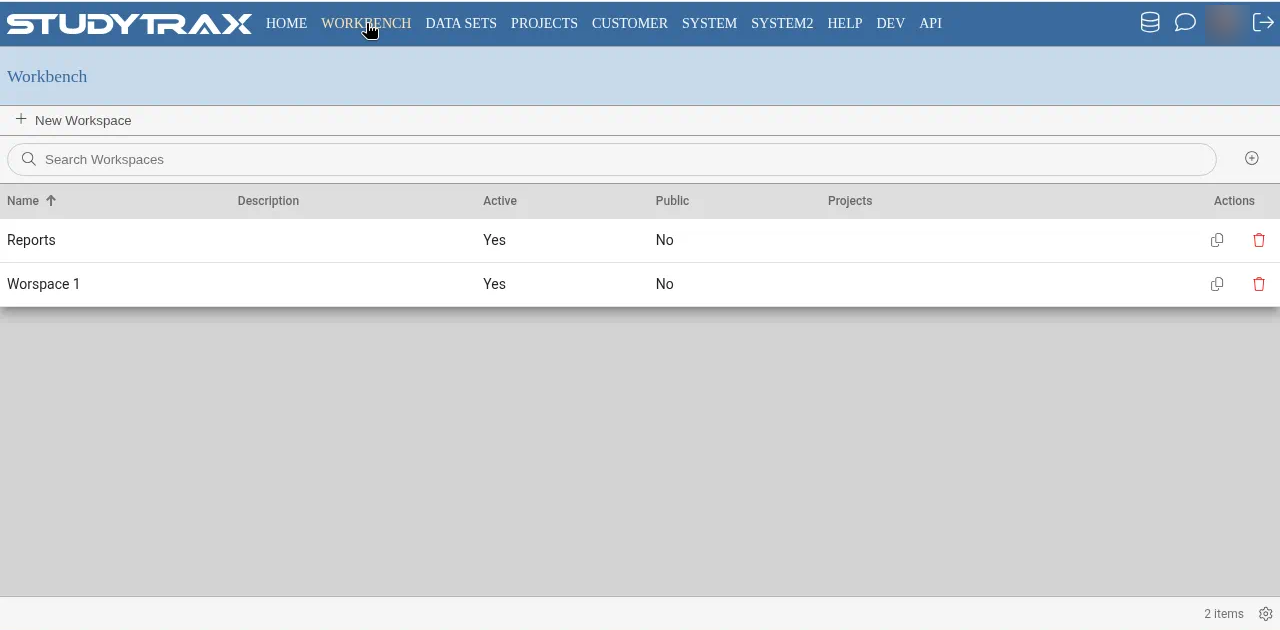
Workbench is where you build reports, tables, and charts from project data, then publish them for the team.
Who can use Workbench
You need Reports to view reports. To create or publish, you may also need Publish Reports (confirm in app).
Open Workbench
- Sign in at https://my.studytrax.com.
- Open the project.
- Open Workbench (confirm label and location in app).
Build a report
The exact steps depend on what you're building (confirm in app). Common tasks:
- Tables — summarize data across subjects or encounters
- Charts — visualize trends or distributions
- Listings — detailed row-level data views
Select the variables and filters you need, preview the output, then save.
Publish
Publishing makes a report available to other project users with the Reports role.
- Open the saved report.
- Choose Publish (confirm in app).
- Select who can view it or where it appears in the project.
Published reports update as new data is entered (confirm refresh behavior in app).
Related
- Export — download raw data via Data Sets
- Data model — how variables and encounters are structured