
Create an interval
Define a visit type in the project schedule.
Role required: Project Management
Steps
- Sign in at https://my.studytrax.com.
- Open the project.
- Go to Projects → Intervals (confirm in app).
- Click + to create a new interval.
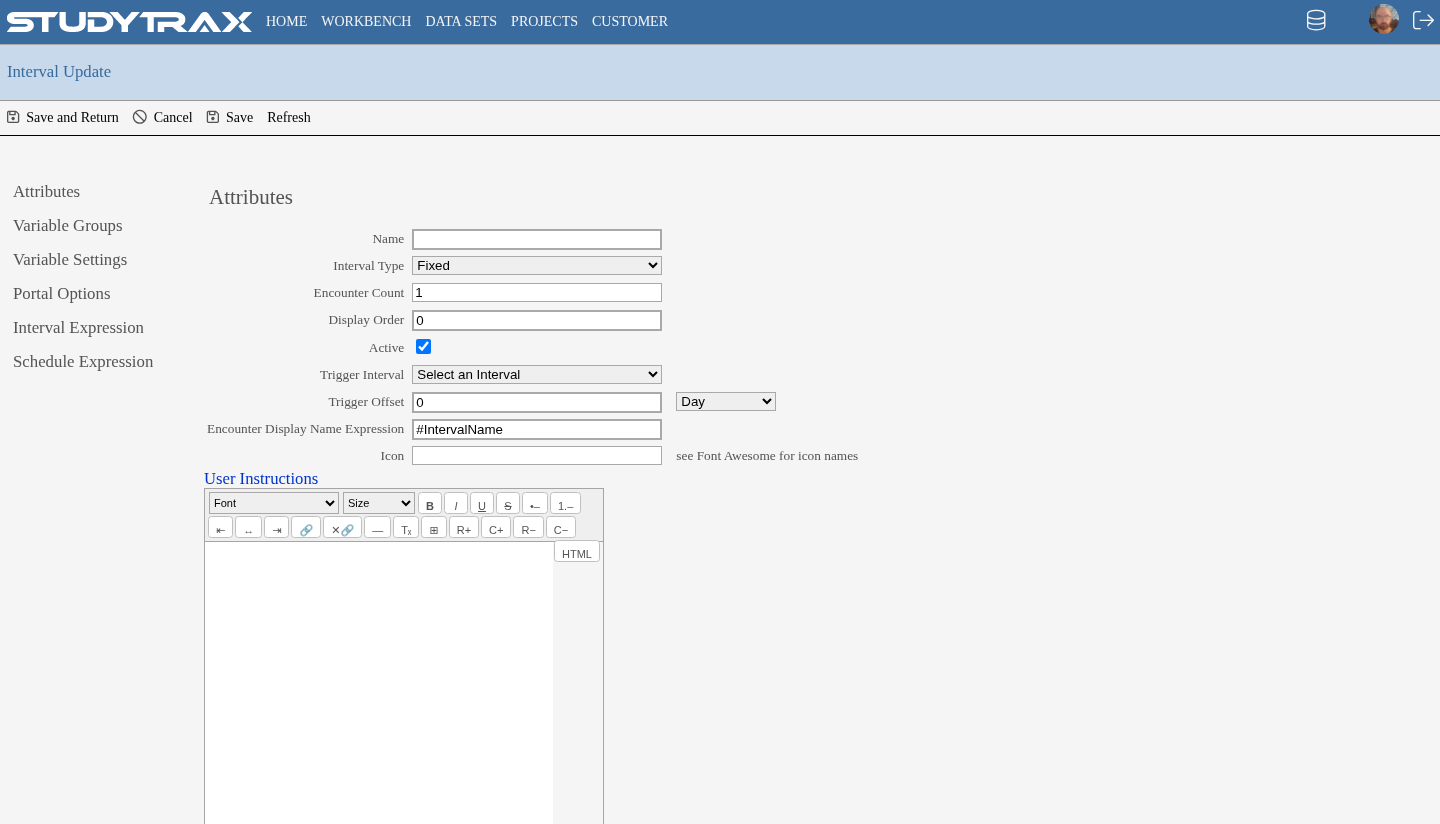
Interval types
| Type | Description |
|---|---|
| Baseline | The anchor visit; other intervals are scheduled relative to this. |
| Follow-up | Scheduled after Baseline. Set a target length (days from Baseline). |
| Screening | Occurs before Baseline. Set a negative target length. Requires a screening expression (1–4; confirm in app). |
| Non-fixed | Uncheck Fixed to allow ad-hoc or repeating visits not tied to a schedule. |
After creating the interval
Go to the Variable Groups tab to attach forms to this interval. See Attach variable groups to an interval.
Related
- Attach variable groups to an interval
- Enter an encounter
- Data model — Interval vs Encounter