
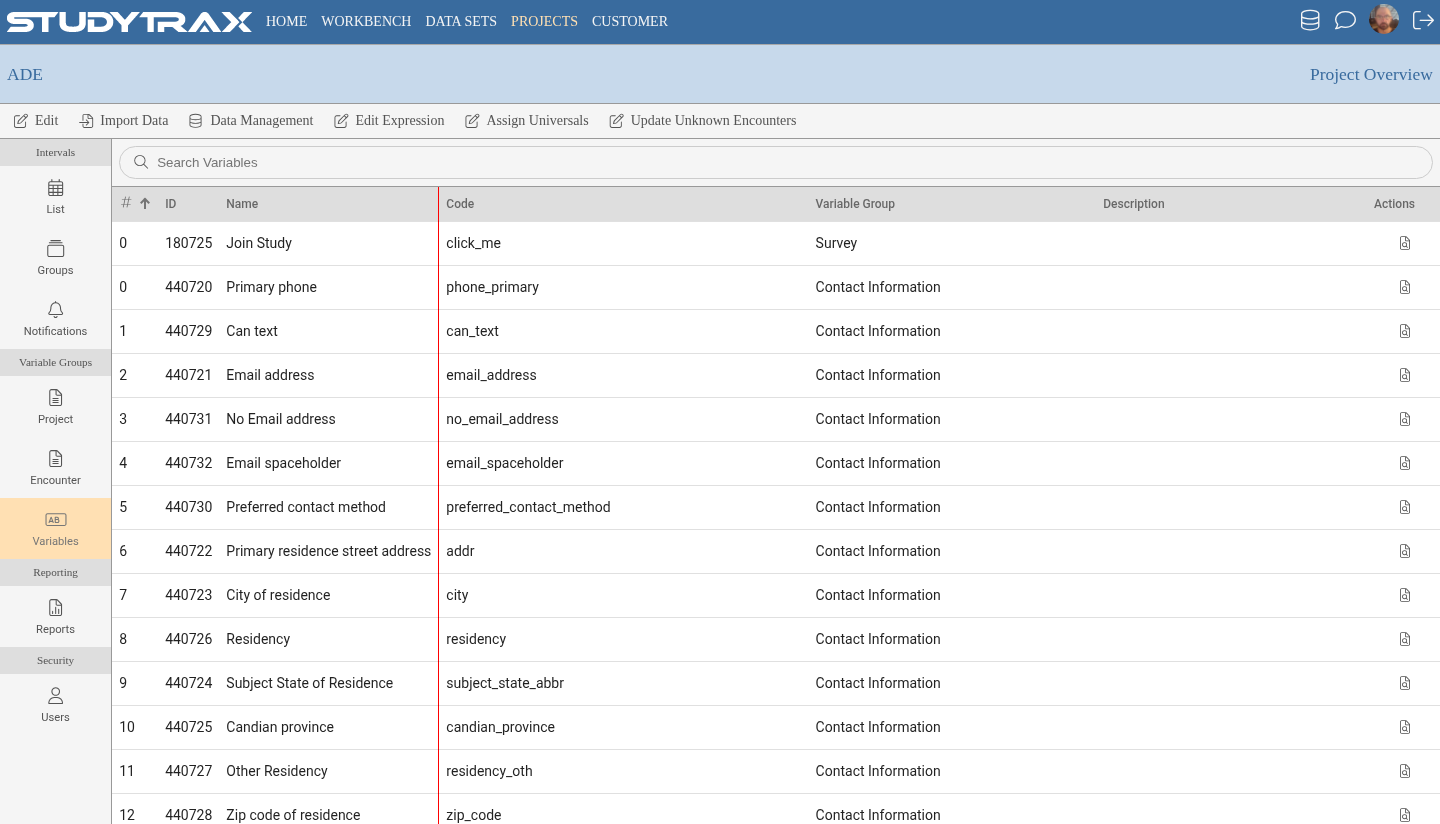
Variables
Manage variable definitions and understand change constraints.
Role required: Project Management
This page covers why you cannot tighten a definition, how to replace a variable instead of changing its type, and why you should not inactivate a variable with an open query.
Changing variable definitions
Variables have constraints on what can be changed after creation:
| Change type | Allowed? |
|---|---|
| Make definition less restrictive | Yes |
| Make definition more restrictive | No |
| Change data type | No — create a new variable |
A definition is "more restrictive" if existing data would become invalid. For example, reducing a numeric range to exclude values already entered.
Replacing a variable
To change a variable's data type:
- Create a new variable with the correct type.
- Update forms to use the new variable.
- Inactivate the old variable (if no data exists) or leave it for historical reference.
Inactivating variables
A variable can be inactivated to hide it from new data entry.
| Scenario | Can inactivate? |
|---|---|
| Variable has no data | Yes, can also delete |
| Variable has data | Can inactivate, cannot delete |
| Variable has open query | Do not inactivate |
Warning: Do not inactivate a variable that has an open query attached. Resolve or close the query first.
Grid column count
For variables displayed in a grid layout, the column count is set at the Variable Group level, not the individual variable.
Related
- Add a variable — create variables
- Create a variable group — variable group settings
- Queries — working with queries