
Create a variable group
Build a form (CRF, questionnaire, instrument) to collect data.
Role required: Project Management
Steps
- Sign in at https://my.studytrax.com.
- Open the project.
- Go to Projects → Variable Groups (confirm in app).
- Click + to create a new variable group.
- Enter a Name and optional Description.
- Set Active and Allow Copy as needed.
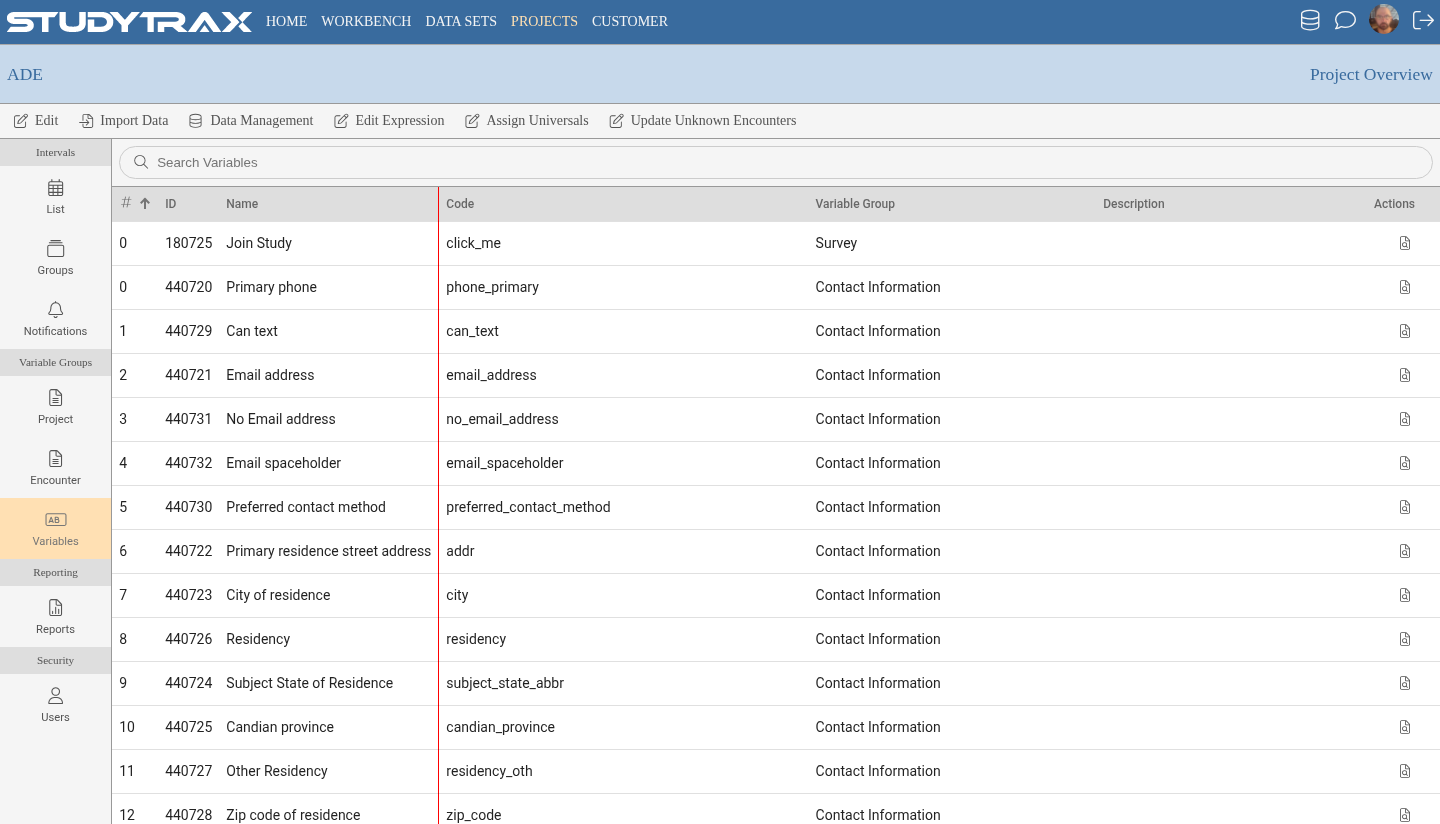
Tabs
| Tab | Purpose |
|---|---|
| Attributes | Name, description, settings |
| Variables | Add and configure individual fields |
| Copy | Copy variables from another group |
| Layout | Arrange fields on the form |
| Dependencies | Show/hide fields based on other answers |
| Preview | See how the form looks |
Variable group kinds
| Kind | When data is collected |
|---|---|
| Universal | Across all projects for this person (e.g., demographics) |
| Project | Once per subject in this project (e.g., discontinuation date) |
| Encounter | At visits; attach to intervals |
How to create a Custom Entity variable group is not documented here.