
Custom Entity Include vs Reconcile
Configure how Custom Entities (CEs) appear at encounters and whether they must be acknowledged.
Role required: Project Management
This page covers CE display mode, reconciliation checkboxes, and closable entities—sometimes called the CE acknowledgment or CE review workflow.
Include vs Reconcile
A Custom Entity can be attached to an interval in two ways:
| Setting | Behavior |
|---|---|
| Included only | CE displays at the encounter for reference. No checkbox. Does not block completion. |
| Included and reconciled | CE displays with a reconcile checkbox. The encounter stays incomplete until the checkbox is checked. |
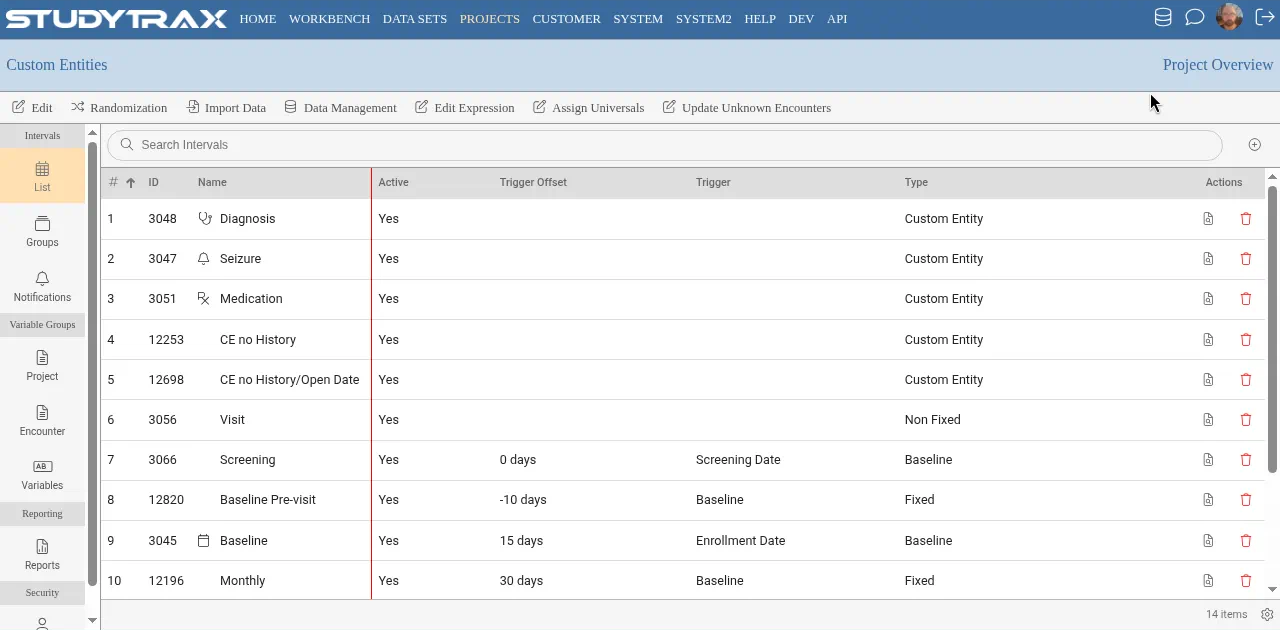
Use Included only when staff should see the CE but do not need to confirm they reviewed it.
Use Included and reconciled when staff must acknowledge the CE before completing the encounter—for example, reviewing active medications or open adverse events.
Closable CEs
A Custom Entity with a close date is considered closed once that date is set.
- Closed CEs hide from the reconcile list automatically.
- A closed CE does not need to be reconciled at future encounters.
- Staff can still view closed CEs through the subject's CE history.
Combined CE tab
Encounters show a combined Custom Entities tab that lists all CEs attached to that interval.
- If the interval includes multiple CE types, each type also gets its own tab.
- Columns shared across CE types appear on the combined tab.
- Columns unique to one CE type appear only on that CE's tab.
Edit Subject / Attributes forms
Older projects may use Edit Subject or Attributes forms inside encounters. These forms can still appear alongside CEs. The combined tab shows both form types when configured.
Related
- Custom entities vs non-fixed — choosing between CEs and non-fixed intervals
- Create an interval — attach CEs to intervals
- Data model — how CEs fit the data hierarchy