
Dependencies
Control field visibility, enable/disable logic, and calculated values using JavaScript expressions in variable groups.
Role required: Project Management
Where dependencies live
| Scope | Location |
|---|---|
| Within a variable group | Variable Group Update → Dependencies tab |
| Across encounter variable groups | Interval Update → Interval Expression tab |
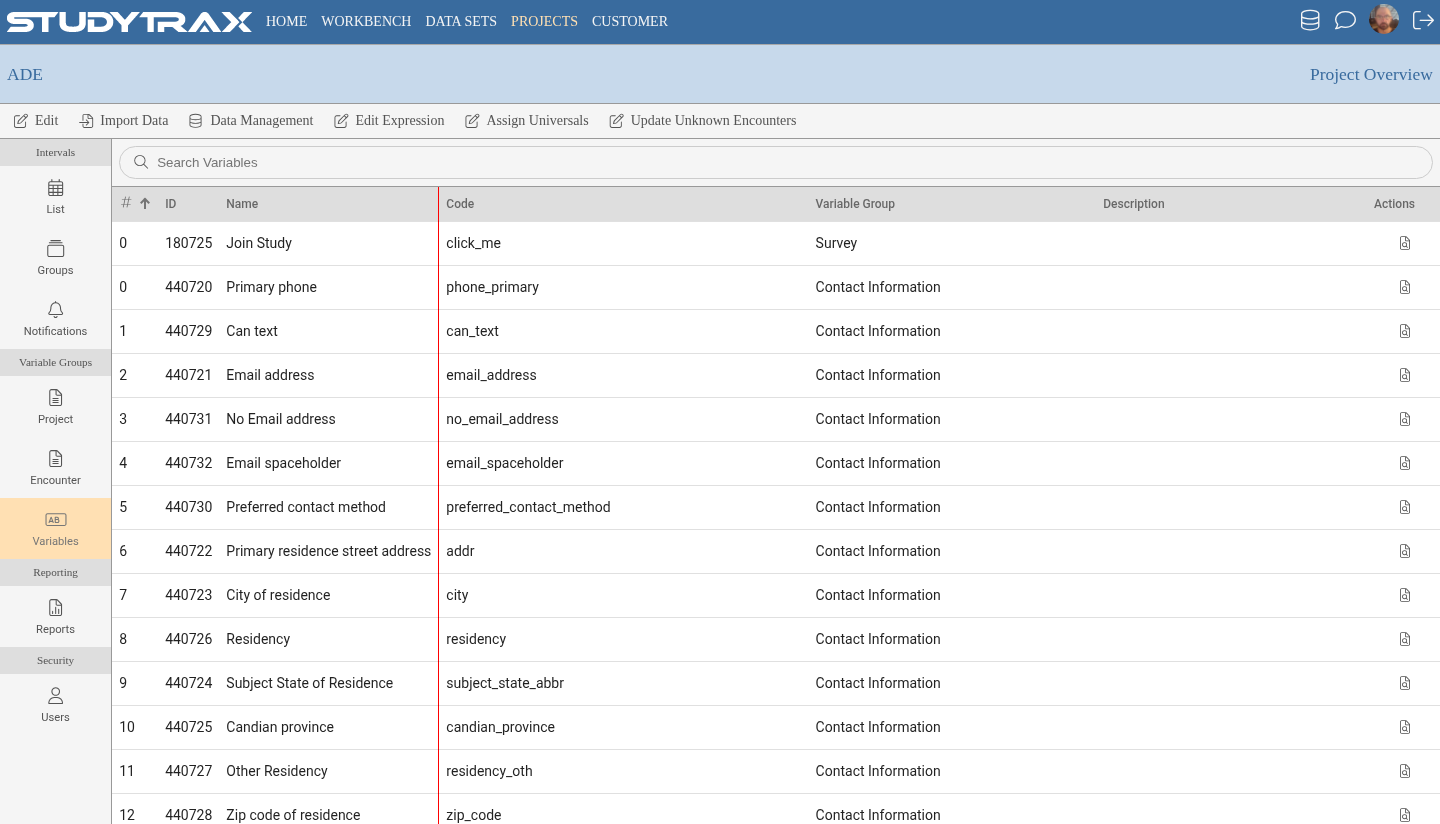
| Across project variable groups | Project Overview → Edit Expression |
Built-in methods
| Method | Description |
|---|---|
#var.enable(condition) | Enable if condition is true; disable otherwise |
#var.disable() | Disable unconditionally |
#var.show(condition) | Show if condition is true; hide otherwise |
#var.hide() | Hide unconditionally |
#var.setValue(value) | Set the variable's value |
#var.getValue() | Get the current value |
#var.getDisplayValue() | Get the pick-list label or formatted date |
#var.hideRow() | Hide the entire row (variable + label) |
#var.showRow() | Show the entire row |
#var.showVariableGroup(condition) | Show the variable group if condition is true |
#var.hideVariableGroup() | Hide the variable group |
#var.setCssClasses(classes) | Apply CSS classes to the field |
Hide and clear pattern
Hiding a field does not clear its value. To clear when hiding:
function main() {
  if (#triggerVar == 0) {
    #dependentVar.hide();
    #dependentVar.setValue(null);
  } else {
    #dependentVar.show();
  }
}
Get display value for pick lists
To copy a pick-list label (not the code) into another field:
#labelField = #pickListVar.getDisplayValue();
This shows the human-readable name rather than the numeric code.
CSS class: update-on-change
The CSS class update-on-change runs the dependency while the user types, rather than waiting for blur. Use selectively—it can affect performance.
#myField.setCssClasses('update-on-change');
Change reason and setValue
If change reason is enabled on a variable and a dependency sets its value, initialize the variable to null. This prevents a spurious change-reason prompt on the first save.
Calculated variables
Data-set numeric calculations can output:
- Numeric values
- Dates
- Text
- Pick-list codes
Project variable groups: Encounters only
Check Encounters only on a project variable group to hide it from the Attributes section on Subject Overview. It will appear only on encounters.
Pattern: encounter → project variable copy
When an encounter variable must populate a project variable:
- Make the encounter variable required.
- Make the project variable not required; hide its variable group always.
- In the interval expression, copy:
#projectVar = #encounterVar. - Hide off the project value so users don't edit it directly.
This pattern avoids conflicts when the same project variable is referenced from multiple encounters.
Example: build a comma list from checkboxes
Generic helper to concatenate selected checkbox labels:
function createTextList(pairs) {
  var result = [];
  for (var i = 0; i < pairs.length; i++) {
    if (pairs[i].checked) {
      result.push(pairs[i].label);
    }
  }
  return result.join(', ');
}

#summaryField = createTextList([
  { checked: #option1 == 1, label: 'Option A' },
  { checked: #option2 == 1, label: 'Option B' },
  { checked: #option3 == 1, label: 'Option C' }
]);
Related
- Add a variable — variable types and settings
- Create a variable group — form setup
- Data entry prompt HTML — styling prompts