
Randomization
Assign subjects to treatment arms and manage blinding.
Role required: Randomize (to randomize), Randomization-view (to see assignments)
This page covers treatment assignment, unblinding, the View Treatment toolbar, and why there is no built-in unrandomize function.
Roles
| Role | What it allows |
|---|---|
| Randomize | Randomize a subject to a treatment arm |
| Randomization-view | View treatment assignment without ability to randomize |
These are separate roles. A user can have one, both, or neither.
Viewing treatment assignment
The View Treatment option appears in the subject toolbar when randomization is configured.
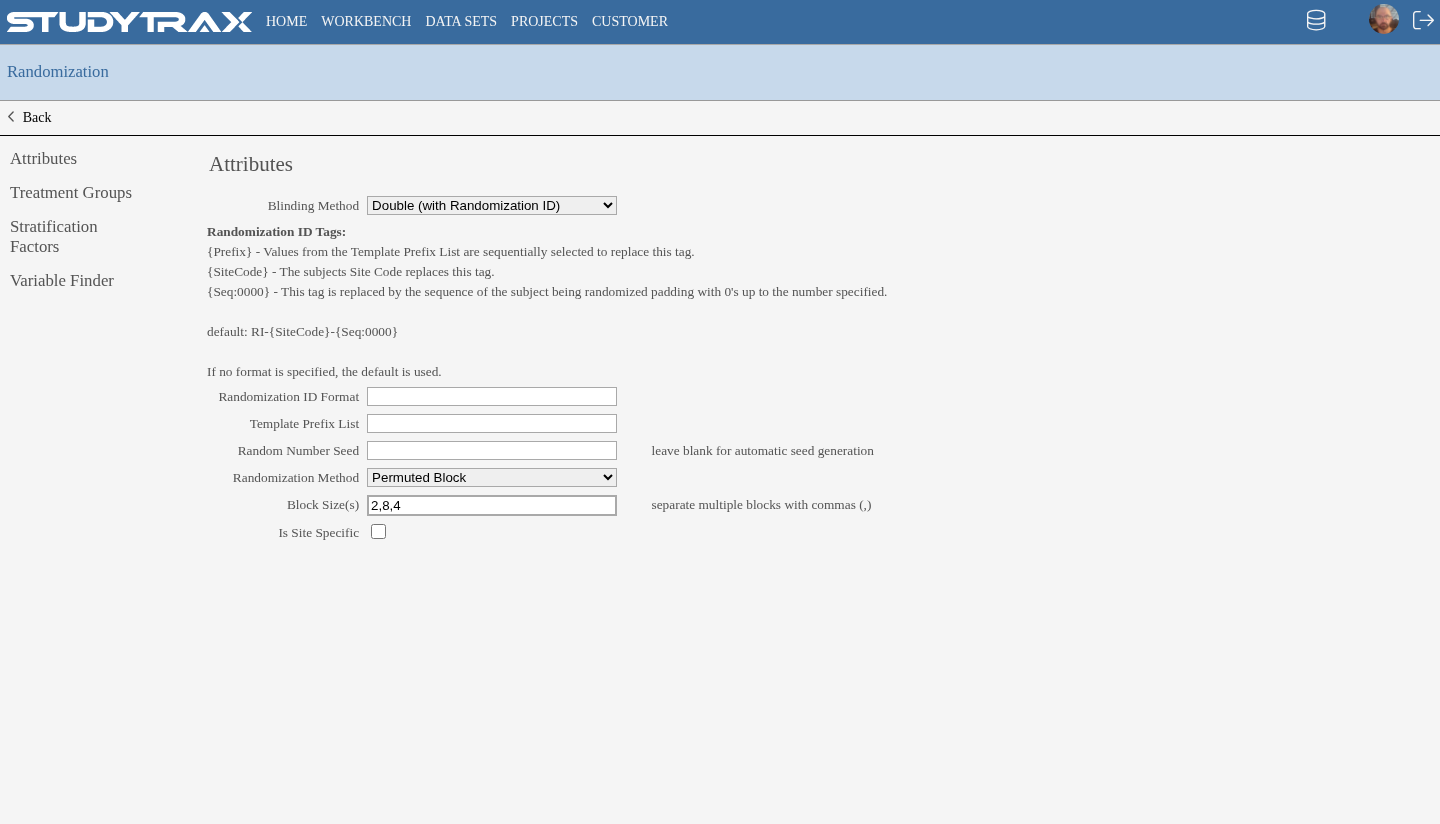
- Users with Randomization-view can see the assignment.
- Users without this role see no treatment information.
Unrandomizing a subject
There is no built-in unrandomize function.
Workaround: Create a variable on Attributes to track randomization status manually. This does not change the system randomization but provides a way to record corrections.
Enrollment cap
The enrollment cap limits how many subjects can be randomized.
- Raising the cap does not change the randomization sequence for simple randomization.
- Subjects already randomized keep their assignments.
Hiding treatment assignment
Two options to restrict who sees treatment assignments:
| Method | Effect |
|---|---|
| Not-exportable variable | Treatment variable excluded from data exports |
| Randomization-view role | Only users with this role see the assignment in the UI |
Conditional questionnaires
Questionnaires can wait until a subject is randomized before becoming available.
- Use dependencies to show forms only after randomization occurs.
- This keeps treatment-specific forms hidden until assignment.
Related
- Assign project roles — grant randomization roles
- Dependencies — conditional form display
- Roles — full role reference