
Customer Menu
Navigate your organization's account and switch between projects.
This page covers the Customer admin area, account switching, and creating users before assigning them to projects.
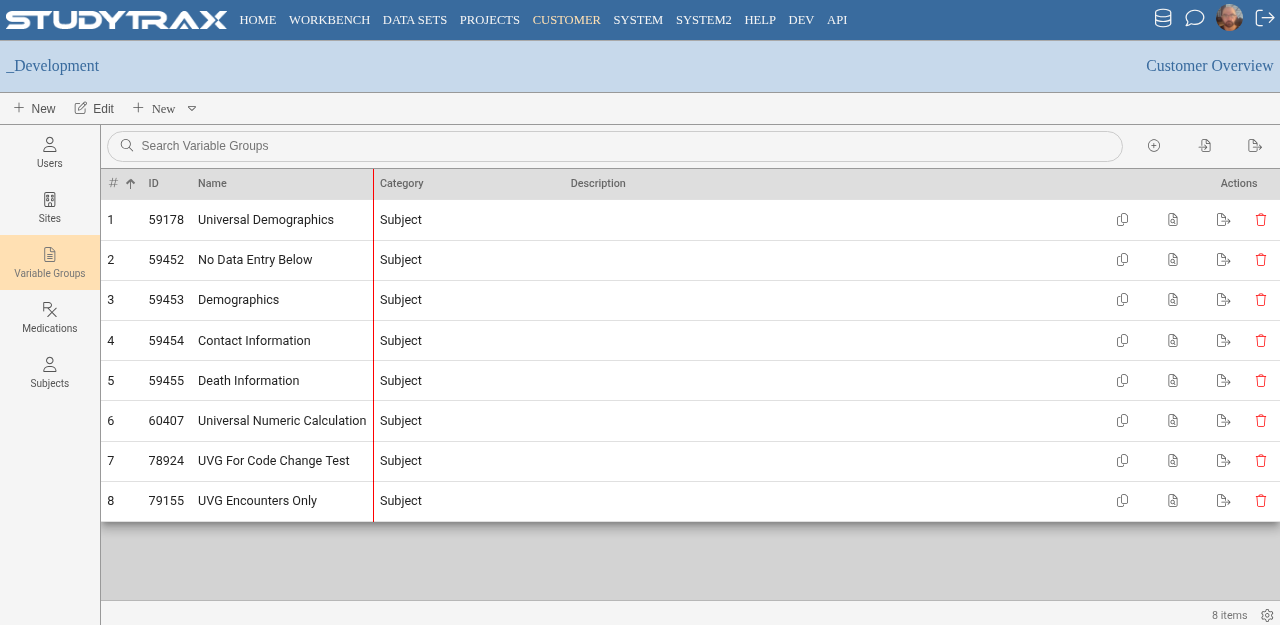
Accessing the Customer menu
Sign in at https://my.studytrax.com.
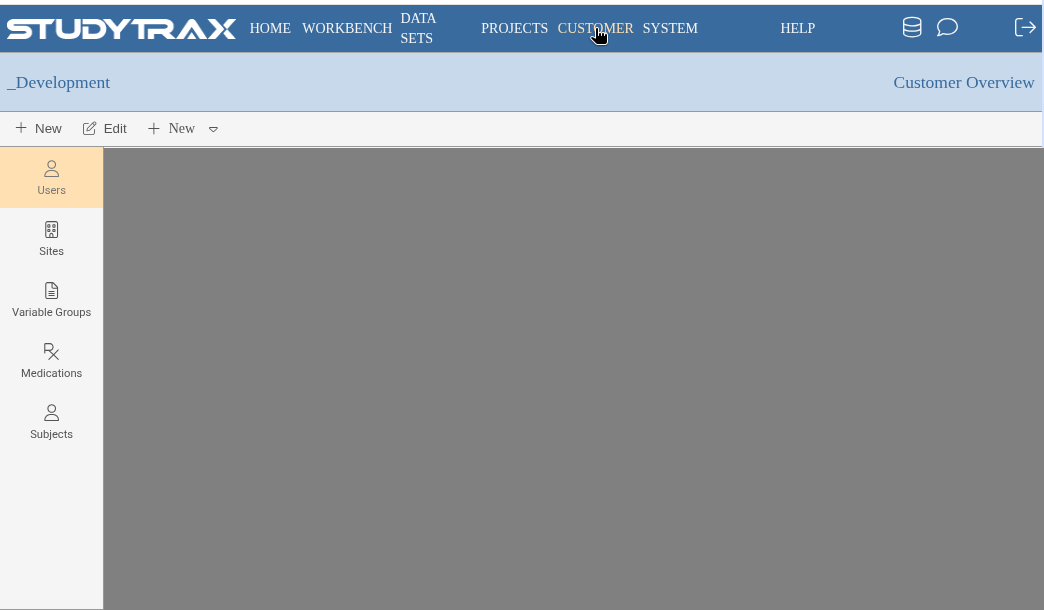
The Customer menu provides organization-level access:
- View and manage users across the organization
- Access projects
- Configure organization settings
Switching accounts
If you have access to multiple organizations, use the account switcher in the bottom border of the screen. Click Customer to see available accounts.
Creating users
Create user accounts under Customer → Users before assigning them to projects.
- Go to Customer → Users.
- Add the new user with their email and name.
- Save the user.
Then assign the user to projects via Project → Users to grant project-specific roles.
Project-level roles
After creating a user at the Customer level:
- Open the project.
- Go to Project → Users.
- Add the user and assign roles per site.
See Assign project roles for role details.
Related
- Add a staff user — create user accounts
- Assign project roles — grant project access
- Roles — role reference