
Add a site
Create a location and attach it to projects.
Create the site
Role required: Customer
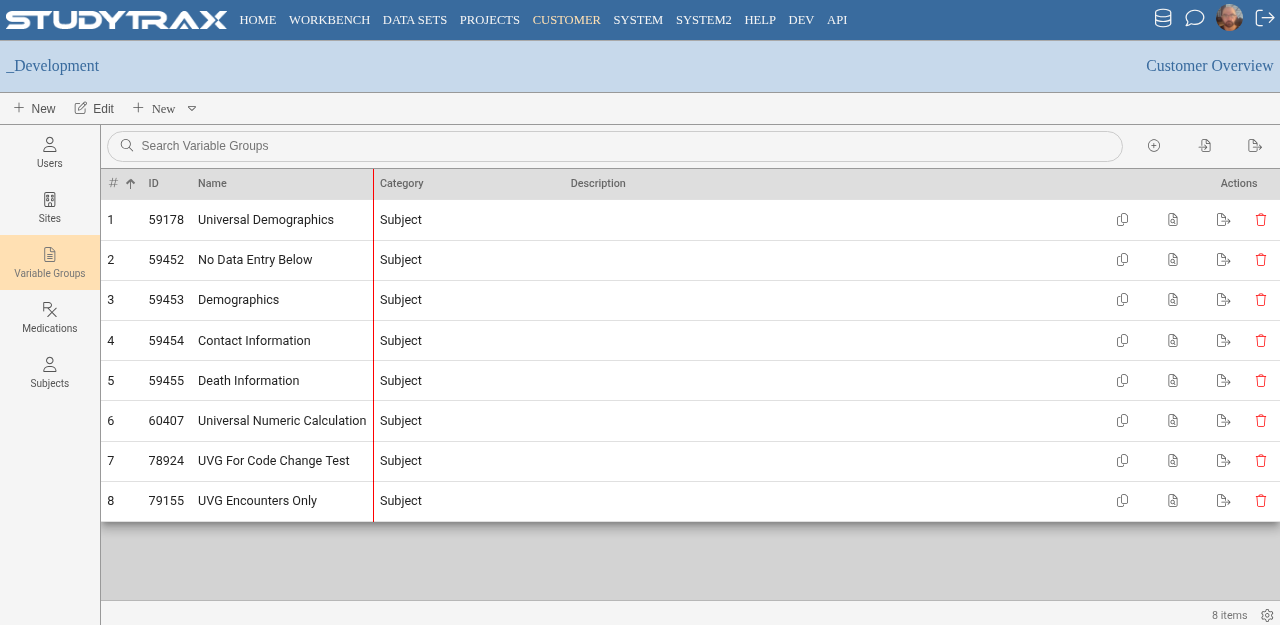
- Sign in at https://my.studytrax.com.
- Go to Customer → Sites.
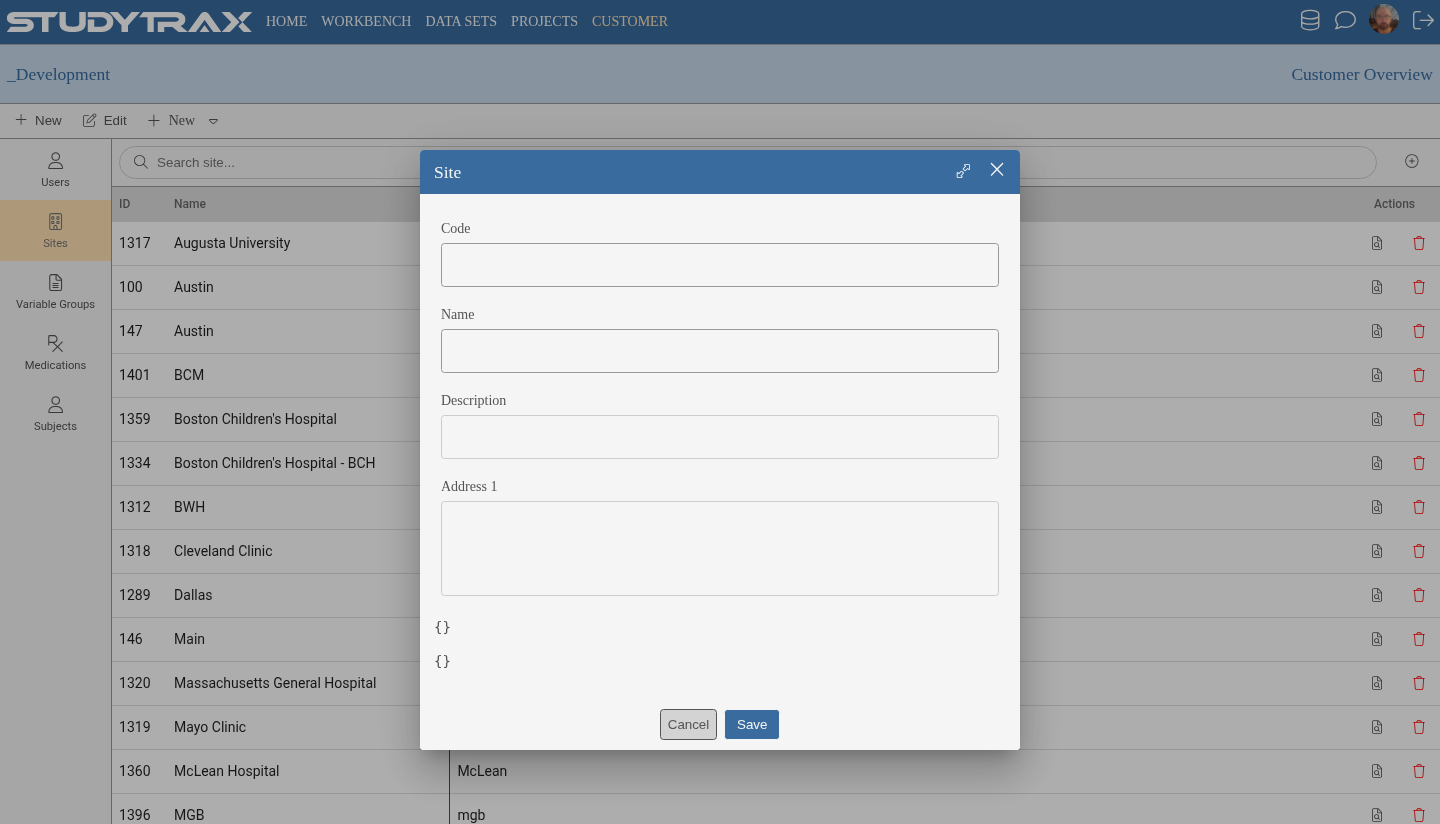
- Click + to create a new site.
- Enter:
- Code — short identifier
- Name — display name
- Save.
Attach the site to a project
Role required: Project Management
- Open the project.
- Go to Edit Project → Attributes (confirm in app).
- Check the sites that should be available on this project.
- Save.
Best practice
Create sites before creating the project when possible. This lets you select them during project setup instead of editing later.
Related
- Add a staff user — grant roles at specific sites
- Create a project